Essential China Travel Apps for First-Time Visitors

Chinvent editorial image
Build a small working app kit for payment, maps, ride-hailing, translation, communication, and bookings, then test it around your arrival and first travel day.
- Destination
- China
- Who it helps
- Visitor guide
- Focus
- Payments, maps, reservations & translation
- Reading time
- 6 minutes
The most useful travel app is the one that completes a task when you need it. On a first China trip, that usually means paying for a meal, reaching your hotel, finding the correct station, understanding a short message, or opening a reservation. This Chinvent guide helps you prepare a small working app kit around those tasks.
It is intended for short-term visitors, not for setting up every part of long-term life in China. Choose the functions that support your actual itinerary and test them before your first busy sightseeing morning.
Start with tasks rather than a long download list
Use this core kit as a planning reference:
| Task | Tool to investigate | Check before relying on it |
|---|---|---|
| Everyday merchant payments | Alipay; a second payment method if available | Account status, supported card, authentication |
| Local communication | Account access and how to reach your provider | |
| Finding places and routes | AMap Global or another suitable mainland map | Language, correct pin, Chinese address |
| Booking a car journey | DiDi or another available licensed service | Account, payment, pickup point |
| Railway travel | China Railway 12306 or your chosen booking channel | Passenger status and issued ticket |
| Reading short messages and signs | A translation tool that fits your device | Camera permissions, downloaded languages, offline support |
| Accommodation and activity reservations | The service used for your booking | Confirmation, contact, cancellation information |
Shanghai's government publishes app and mobile-service guides covering several of these functions. Use current provider instructions for the particular app version and account you install.
Before departure: protect account access
Install and update the tools while you have a reliable connection. Keep access to the phone number and email used for registration, including any number your bank uses for authentication.
Download permitted offline language resources and save reservation details. Check whether your chosen travel data plan includes SMS or only internet. These are separate capabilities, and the difference can affect verification.
Use official app stores or the provider's official download route. Avoid unsolicited installation links and accounts created by someone else. Your travel tools should remain under your own control.
Step 1: make payments work
Set up the payment service using its current card and identity prompts. Check the default funding method and any pending verification before assuming the account is ready.
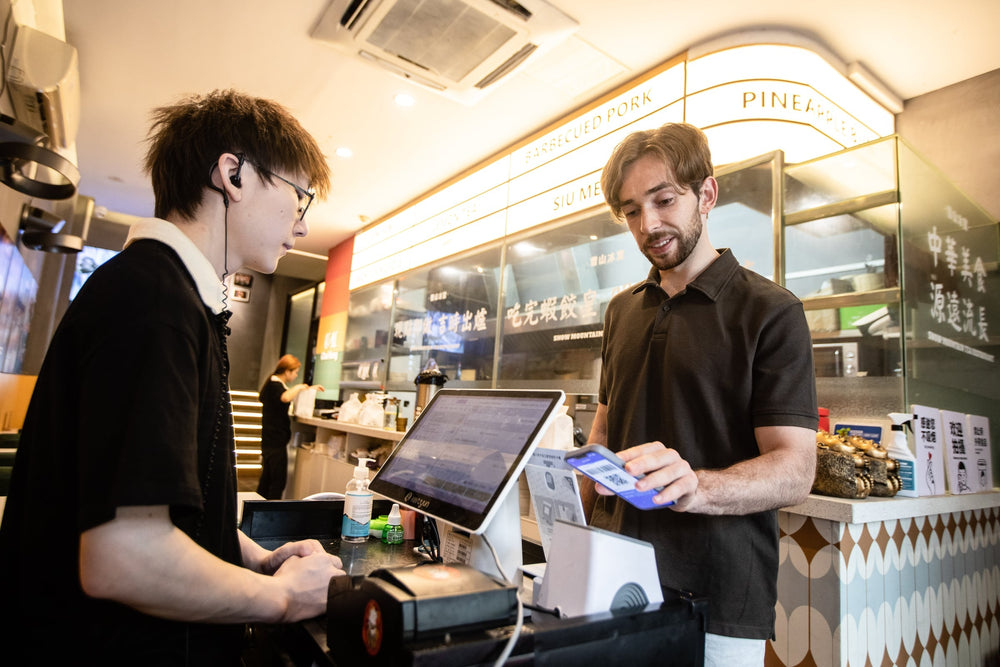
After arrival, use a small eligible merchant purchase to test the complete setup. Confirm both your app's result and the merchant's receipt of the payment. If it fails, use your prepared backup and investigate the app or bank message.
Do not assume a shop payment setup activates every transport code, mini-program, or wallet feature. Check the requirements of the specific service you intend to use.
For detailed payment preparation, continue with How to Use Alipay in China as a First-Time Visitor.
Step 2: save the places you actually need
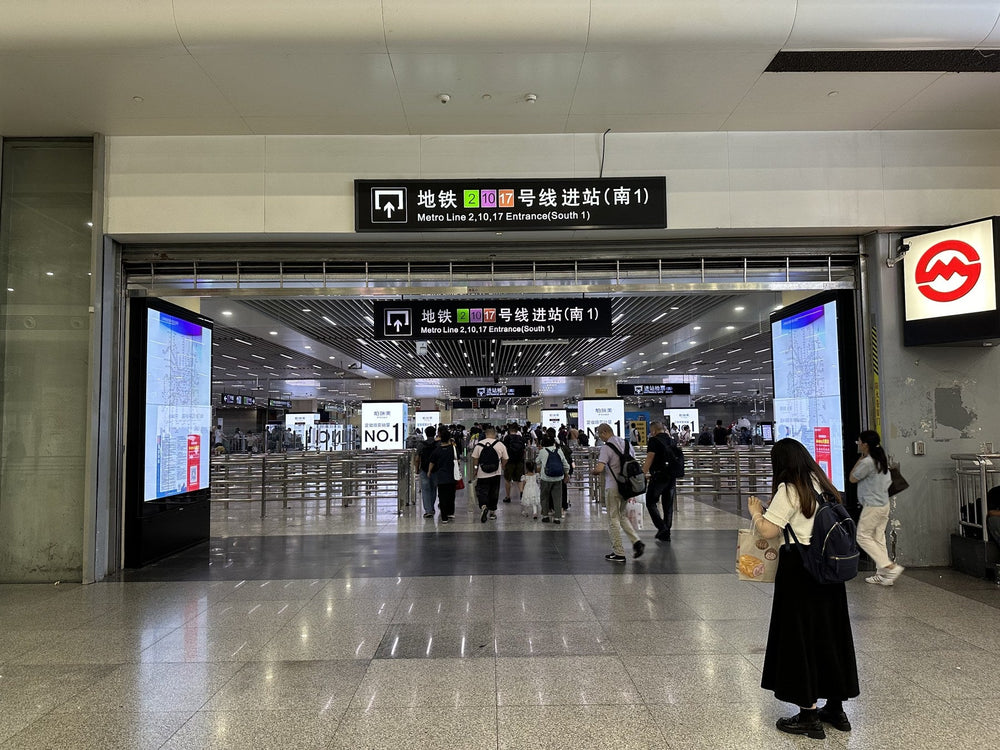
Save the hotel, arrival gateway, next departure station, and important activity meeting points. For each, keep the Chinese name, written address, and map pin together.
Shanghai's AMap English guide describes an English interface and routing for different transport modes. Use the current version available for your device and region, then check that the result is the place you intended.
Search for an attraction's actual entrance, not only the center of the scenic area. For a hotel, ask which entrance receives guests and where a car can stop with luggage.
Chinvent Planning Tip: Test one real route before traveling: your arrival airport or station to your first hotel. Confirm the Chinese address, final walking section, and an alternative if your app or data connection is unavailable.
Step 3: prepare a car-booking option
Set up a ride-hailing service that is available to your account, or arrange an alternative through your accommodation. Shanghai's DiDi guide is a starting point for investigating the service.
That guide gives the language-setting route as Me, Settings, General, Language, then English and confirmation. Use it as a reference if your interface is Chinese; a different app version or mini-program may arrange the controls differently.
Enter the full destination and inspect the pickup location before confirming. An airport, station, or large shopping complex can have several vehicle access areas. Follow the app or venue's current pickup directions rather than assuming the nearest roadside is correct.
Check the vehicle and plate against the booking before boarding. If the pickup location is unclear, use the service's contact function or ask venue staff for help. Avoid confirming a journey to a broad city name when you need a specific station or hotel entrance.
Step 4: make your reservations accessible
Open the train, hotel, and activity bookings while you are online and check their status. An issued reservation and an application awaiting confirmation are different things.
For rail travel, use China Railway 12306 or the channel through which you booked. Save the train number and both station names. Keep the original document used for the ticket available during the journey.
For hotels and activities, save the contact, address, entry instructions, and any meeting time. Do not leave your only copy inside a cloud service you have not tested on your travel connection.
Step 5: use translation for specific questions
Prepare short messages for the tasks you are likely to encounter: locating an entrance, confirming a meeting point, asking about an ingredient, or showing your destination to a driver.
Camera translation can help you understand a menu or sign, but review the result in context. Prices, names, abbreviations, and specialized terms can be mistranslated. If the result matters, ask staff to confirm rather than acting on a confusing translation alone.
For allergies or other important dietary needs, prepare a clear written message and confirm it with the provider in advance where possible. A general translation tool does not establish that a restaurant can meet the requirement.
Step 6: keep local communication simple
Ask guides, hotels, or workshop providers which contact method they use and save it before the meeting. If communicating through WeChat, confirm that the account belongs to the intended provider.
Put the booking name, date, and relevant reference in a message so the provider can identify you. Save the agreed location or instructions outside the chat as well.
Do not send passwords, bank verification codes, or payment authorization codes through a conversation simply because someone appears helpful. Use official support flows for account problems.
A first-day practice run
Once you have a connection, open your hotel location, send a short confirmation to the relevant provider if needed, check a simple route, and make an ordinary small purchase. Open the next day's reservation and verify its status.
This small practice run exposes problems while you still have time to solve them. It is better than discovering several unfinished account steps while trying to catch a train.
If one service fails, use the function's backup: a saved address, a station counter, hotel transport assistance, or another payment method. An app should help the trip rather than become the only way to complete it.
Frequently asked questions
Do I need both Alipay and WeChat?
Choose based on the functions and providers you need. They are not identical tools, and installing both does not automatically complete payment verification.
Does an English interface guarantee every feature works?
No. Language, account eligibility, payment access, and local service availability are separate checks.
Should I install shopping and food-delivery apps too?
Add them when you have a specific need and can meet their account and address requirements. Start with the tools for arrival, payment, transport, and reservations.
What should I keep offline?
Keep Chinese addresses, reservations, meeting instructions, essential contacts, and a practical route reference. Verify which offline functions your chosen apps actually provide.
Explore more with Chinvent: Read SIM, eSIM & Internet in China: A First-Time Visitor's Guide for connectivity and Your First High-Speed Train Journey in China: A Step-by-Step Guide before your first station visit.
Keep exploring with Chinvent


Need a Custom Itinerary?
Build a route around your dates, interests and travel style.
Plan Your Trip →